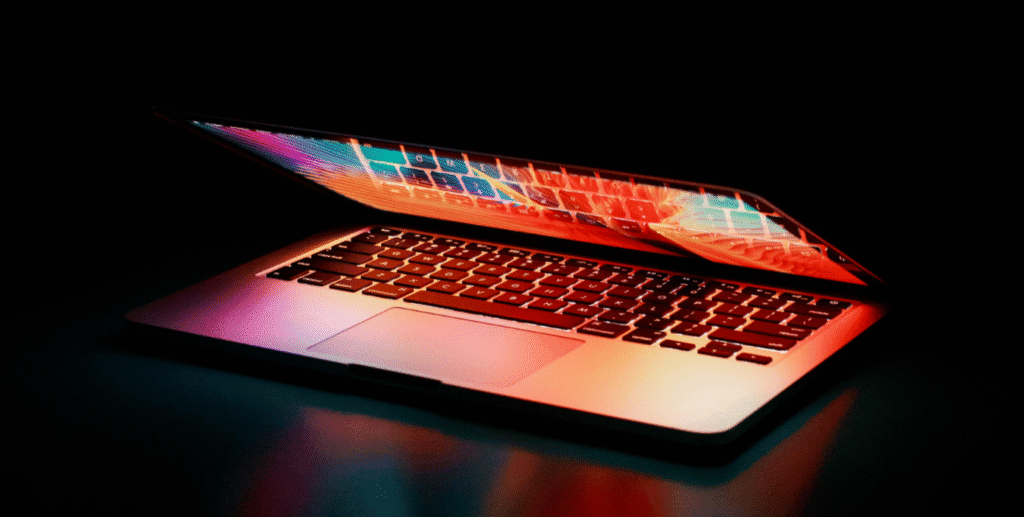
MacBooks are known for having some of the best laptop displays in the market. Many users describe them simply as Retina screens, but in reality, Apple uses different screen technologies across MacBook models and generations. These differences affect brightness, colour accuracy, durability, and most importantly, repair cost.
In Singapore, MacBook screen damage is one of the most expensive laptop repairs. This guide explains the different MacBook screen types, how they work, and how each impacts repair decisions, so you know what to expect before damage happens.
Overview of MacBook Screen Types
Apple does not use generic LCD terminology in marketing. Instead, most MacBook displays fall under Retina branding, with newer models using Mini LED technology.
| MacBook Screen Type | Common Models | Key Strength | Repair Complexity |
|---|---|---|---|
| Retina IPS LCD | MacBook Air, older MacBook Pro | Sharp text and colour accuracy | High |
| Mini LED (Liquid Retina XDR) | MacBook Pro 14 and 16 inch | Very high brightness and contrast | Very high |
While image quality improves with newer displays, repair complexity also increases.
Retina Display Explained
What Retina Actually Means
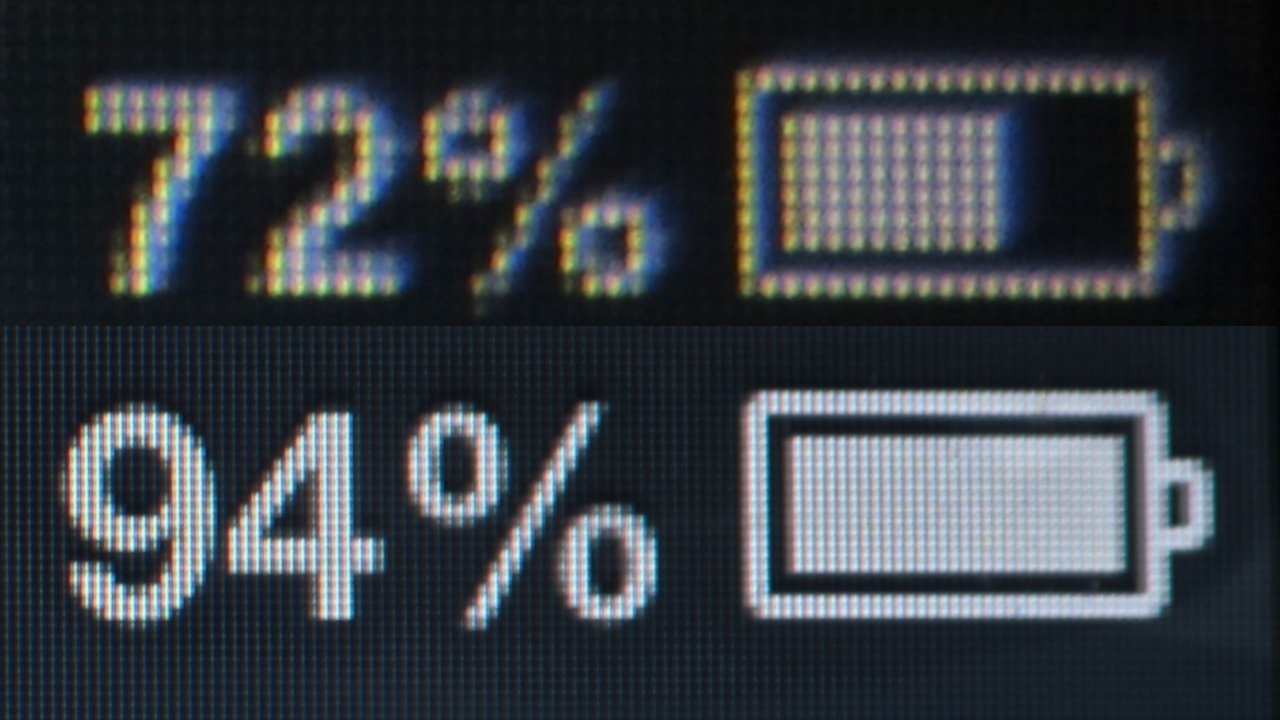
Retina is a marketing term used by Apple. Technically, Retina MacBook screens are IPS LCD panels with high pixel density, designed so individual pixels are difficult to see at normal viewing distance.
Real World Performance
- Sharp text and images
- Good colour accuracy
- Consistent brightness across the panel
Retina displays are well suited for office work, creative tasks, and general use.
Retina Display Construction and Repair Impact
Most Retina MacBook screens are:
- Fully laminated
- Bonded to the glass and display housing
- Integrated with the lid assembly
This design improves visual clarity but prevents panel only replacement.
Repair cost impact: High
Even though Retina screens are IPS LCD, their construction makes them significantly more expensive to repair than typical IPS screens found in Windows laptops.
Mini LED MacBook Screens Explained
What Is Mini LED in MacBooks
Apple introduced Mini LED in higher end MacBook Pro models under the Liquid Retina XDR branding. These screens use thousands of small LEDs behind an IPS LCD panel to improve brightness and contrast.
Visual Advantages
- Much higher brightness
- Better contrast control
- Improved HDR performance
Mini LED screens are among the best laptop displays available today.
Why Mini LED MacBook Screens Are Expensive to Repair
Mini LED MacBook screens are:
- Highly integrated
- Extremely complex
- Replaced only as full display assemblies
Individual backlight zones cannot be repaired. Any damage to the panel or backlight system usually requires replacing the entire display assembly.
Repair cost impact: Very high
MacBook Air vs MacBook Pro Screen Differences

| Model Line | Screen Type | Brightness Level | Repair Cost Tier |
|---|---|---|---|
| MacBook Air | Retina IPS LCD | Moderate | High |
| MacBook Pro 13 inch | Retina IPS LCD | Moderate | High |
| MacBook Pro 14 and 16 inch | Mini LED | Very high | Very high |
The jump from MacBook Air to higher end MacBook Pro models improves display quality but also increases repair cost risk.
Why MacBook Screens Cost More to Repair Than Most Windows Laptops
Several design choices drive higher repair costs:
- Laminated display construction
- Tight integration with the lid
- Limited aftermarket parts
- No glass only replacement option
These are design decisions made for aesthetics and performance, not repair convenience.
Common MacBook Screen Failures Seen in Singapore
| Failure Type | Typical Cause | Repair Outcome |
|---|---|---|
| Cracked glass | Drop or pressure | Full display replacement |
| Vertical lines | Panel damage | Full display replacement |
| No display | Internal panel failure | Full display replacement |
| Uneven brightness | Backlight failure | Full display replacement |
Partial repair is rarely possible.
Is MacBook Screen Repair Worth It
MacBook screen repair may make sense when:
- The device is relatively new
- Performance and battery health are good
- Repair cost is significantly lower than replacement value
MacBook screen repair may not be practical when:
- Repair cost approaches resale value
- The device is several years old
- Other components show wear
In these cases, replacement or resale may be more economical.
What to Consider Before Buying a MacBook Based on Screen Type
- Mini LED offers superior visuals but highest repair risk
- Retina IPS balances quality and cost better than Mini LED
- Screen damage protection is strongly recommended
- Careful handling reduces long term ownership cost
Understanding screen technology helps set realistic expectations.
Frequently Asked Questions
Are all MacBook screens Retina
Most modern MacBooks use Retina displays, but the underlying technology differs between IPS LCD and Mini LED.
Can MacBook screens be repaired without replacing the whole display
In almost all cases, no. Apple uses integrated display assemblies.
Why does a cracked MacBook screen cost so much to fix
Because the glass, panel, and housing are bonded together, requiring full assembly replacement.
Is Mini LED better than Retina IPS
Visually, yes. From a repair and cost perspective, Mini LED carries higher risk.
Conclusion: MacBook Screen Quality Comes With Repair Trade Offs
MacBook displays deliver excellent image quality, but this comes with higher repair costs due to integrated design and advanced screen technology. Retina IPS screens already cost more to repair than typical laptop displays, while Mini LED screens raise the cost further.
At RepairX.sg, MacBook screen repairs are assessed transparently, with clear explanations of feasibility and cost implications. Knowing your MacBook screen type helps you decide whether repair, replacement, or preventive care is the best option.