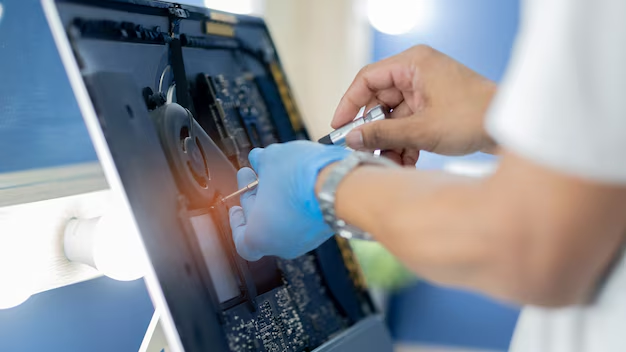
When your PC monitor starts flickering, displays unusual lines, or refuses to turn on, it can be very frustrating. Many users immediately assume that it is time to buy a new screen, but that is not always necessary.
In many situations, a simple and affordable repair can restore a monitor to proper working condition. While RepairX no longer performs PC monitor repairs, we continue to guide users in Singapore on how to evaluate common display issues, understand available repair options, and decide when a replacement may be more practical. This information applies to budget desktop monitors, gaming displays, and models such as the Apple Studio Display.
Disclaimer
The information in this article is provided for educational and guidance purposes only
*RepairX continues to provide full repair support for laptop and MacBook screens ✅
*RepairX does NOT provide repair services for external PC monitors ❌
Common PC Monitor Problems We Fix
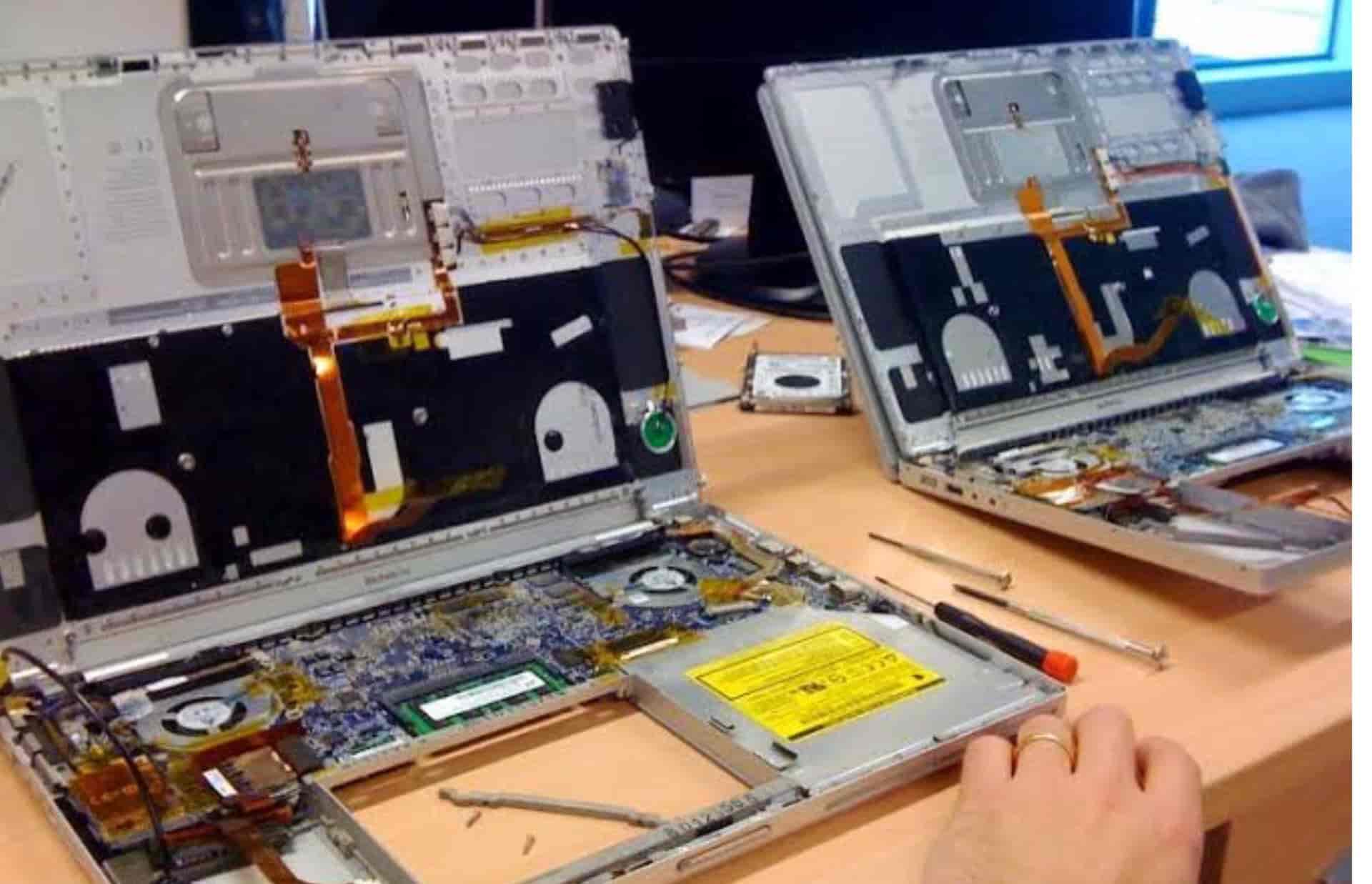
Monitors can fail in several ways, often without warning. Some of the most common issues we repair include:
- Flickering or blinking display
- Monitor not powering on
- Dead or stuck pixels
- Backlight failure (dim or uneven lighting)
- Distorted colours or horizontal/vertical lines
- HDMI, VGA, or DisplayPort input problems
You may have tried restarting your PC, switching cables, or even hitting the monitor out of frustration. (Yes, we know how that feels.) The reality is, many of these symptoms point to internal component issues that are often fixable.
What Causes Monitor Issues?
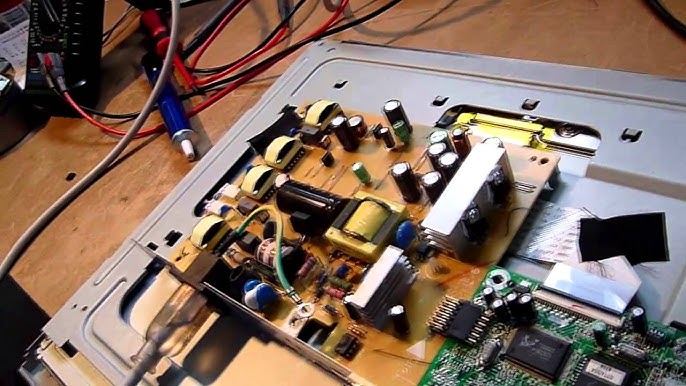
It’s easy to think the entire panel is gone, but most monitor problems come down to these internal failures:
- Capacitor damage from power surges or overheating
- Loose connectors or damaged cables inside the unit
- Backlight or inverter failure (especially in older models)
- T-Con board or logic board malfunction
- Panel pressure or accidental impact
We regularly fix these without needing to replace the whole screen — saving you time, money, and unnecessary e-waste.
Basic Troubleshooting to Try First
Before sending your monitor for repair, here are a few quick things you can check:
- Try another power cable or plug into a different outlet
- Swap your video cable (HDMI, DisplayPort, VGA)
- Test the monitor on another computer
- Use the on-screen menu buttons to reset factory settings
Still no luck? Do not worry — that is where we come in.
Estimated Repair Costs in Singapore
We believe in transparent pricing. Here is a rough guide to what monitor repairs might cost:
| Monitor Type | Estimated Repair Cost (SGD) |
|---|---|
| Standard LCD Monitor | $50 – $120 |
| Gaming Monitor (144Hz+) | $100 – $200 |
| IPS / Professional Display | $120 – $280 |
| Apple Displays | Case-by-case (ask us) |
There are no hidden fees, and diagnostics are free unless stated otherwise. We will always confirm the cost before proceeding.
How We Make the Repair Process Easy
Let us be honest. Dealing with a faulty monitor can be frustrating, and many users expect a simple and smooth repair process.
Although RepairX no longer handles monitor repairs (we only handle laptop, macbook screen repairs), the steps below show how our pickup and diagnostic process works for laptops, desktops, and other supported devices. This helps you understand what to expect if the issue turns out to be related to your computer rather than the monitor itself.
Free Pickup and Return
We collect your device, carry out the necessary diagnostics or repairs, and return it to your doorstep at no additional cost.
On-Site Diagnostic
For urgent cases, our technician can visit your location and assess the problem directly. Most repairs for supported devices are completed within 1 to 3 working days. If any part requires sourcing, we will inform you in advance.
Why People Trust RepairX for Laptop Screen Repairs

We’re not just another tech repair company. We focus on honest service, skilled workmanship, and long-term reliability. Here is what sets us apart:
- Free islandwide pickup and return
- On-site support for homes and offices
- Fast turnaround (same-day to 3 days)
- Experience with all monitor types, including Apple
- No surprise fees — ever
- Up to 100 days warranty on repairs
You may count on us to tell you whether your screen is worth fixing and if not, we will recommend the most cost-effective alternative.
When a Replacement Is the Better Option
Many display issues can be repaired, but there are situations where replacing the external monitor is the more practical choice. Common signs include:
• The screen is shattered or cracked beyond repair
• The repair cost is higher than 70 percent of the monitor value
• The monitor is too old or no longer compatible with current systems
The information in this article is provided for educational and guidance purposes only. RepairX continues to offer full repair support for laptop and MacBook screens, but we do not provide repair services for external PC monitors.
PC Monitor Repair FAQ (Singapore)
1. How long does monitor repair usually take?
Most repair shops in Singapore complete monitor repairs within 1 to 3 working days. Same day service may be possible for common issues, depending on parts and workload.
2. Do you repair Apple Studio or Thunderbolt displays?
RepairX does not service Apple Studio Displays or Thunderbolt monitors. However, we can guide you on what to expect when sending these models to specialised repair
3. Is there a diagnostic fee?
RepairX does not charge for diagnostics on laptops and desktops. For monitor related issues, diagnostics are handled by external shops and their fees may vary.
4. Can you repair my monitor at my location?
RepairX does not provide on site monitor repair. We do offer on site diagnostics for laptops and desktops when required, which can help determine whether the fault is caused by the computer or the monitor.
5. What if the repair is not worth it?
If the monitor issue appears on the computer side, we will advise you based on cost and long term value. If the fault is with the monitor itself, we can guide you on whether it is more practical to repair or replace it through an external service provider.
Summary
If your screen is giving you problems, it is not always necessary to replace it immediately. Many monitor faults can be repaired by specialised shops in Singapore, and understanding the root cause helps you avoid unnecessary costs.
Although RepairX no longer provides repair services for external PC monitors, our team can still help determine whether the issue originates from the monitor or from your computer. If the fault is related to your laptop, including laptop screen issues, we can collect your device and complete the repair through our standard process.
📦 Free pickup and return for supported devices
🛠️ Fast diagnostics and clear explanations
📞 Contact us for guidance and an honest assessment
Our team is ready to assist you with accurate advice and practical next steps.
Disclaimer
The information in this article is provided for educational and guidance purposes only
*RepairX continues to provide full repair support for laptop and MacBook screens ✅
*RepairX does NOT provide repair services for external PC monitors ❌