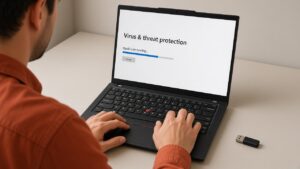
Every other week someone walks in with a laptop that will not boot and a chatbot transcript titled “how to recover my files.” We get why. The prompts sound confident. The files are wedding photos or a thesis.
Here is the blunt version for data recovery Singapore laptop jobs in 2026. AI is useful for triage. It is a poor substitute for a write-blocked clone when the storage is sick. On modern SSDs, time and TRIM can erase what you think is still there. If you only need the service page, start at Data Recovery Singapore.
How recovery actually works
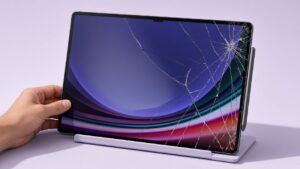
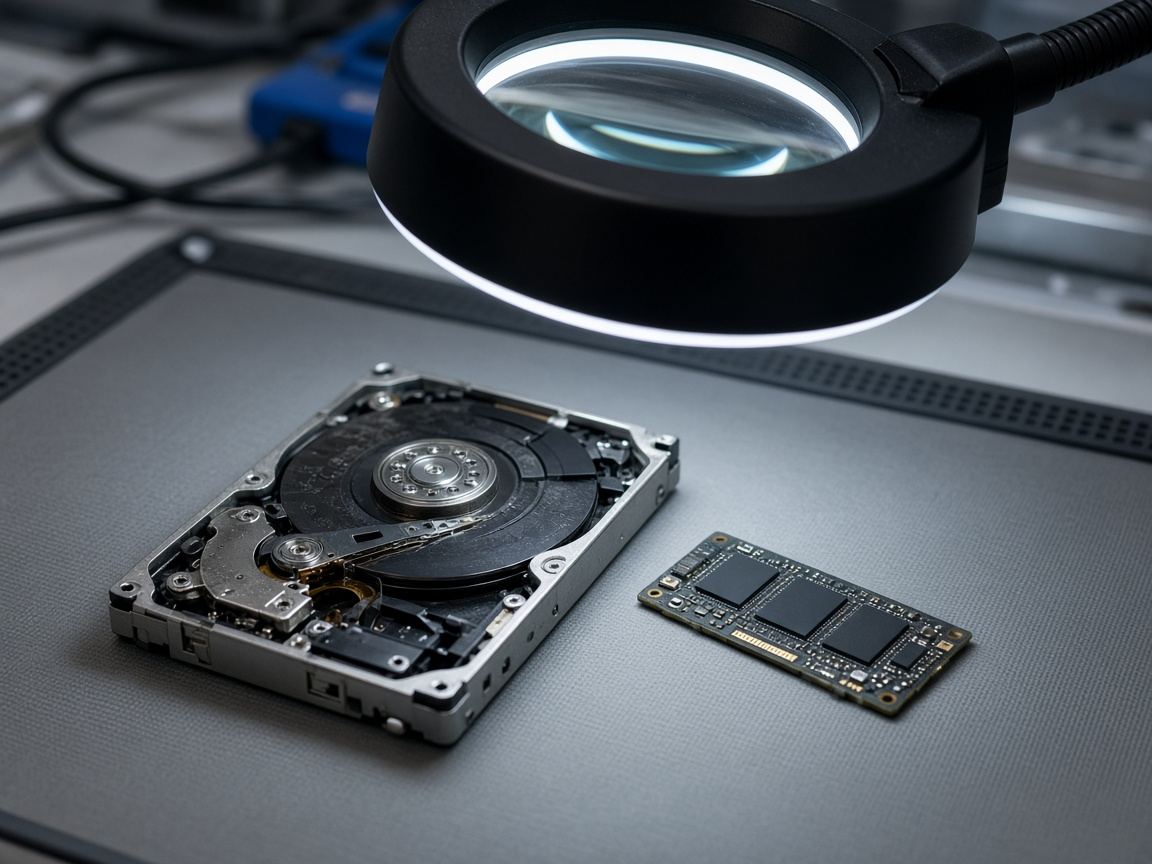
Most “dead laptop” cases are not dead storage. Power rails, boards and screens fail first. That is why we still start with a normal laptop repair diagnosis before anyone talks about chip-off work.
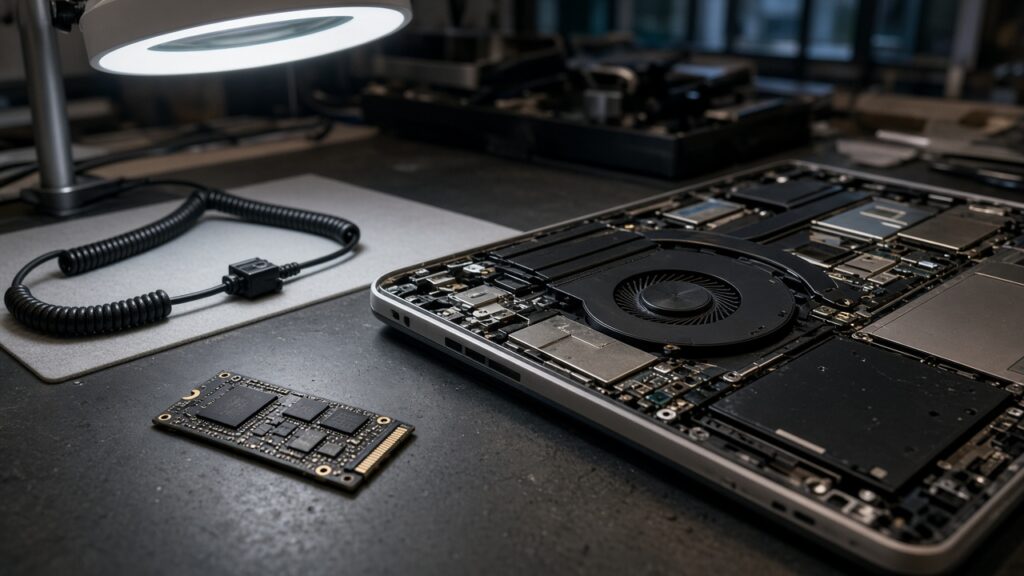
When the drive really is the problem, the safe order is stop using the laptop, image the drive to a healthy disk if it still responds, work only on the copy, then rebuild files from the filesystem or signatures. If the controller is dead, specialist labs talk to the NAND directly. That is not a consumer app. AI does not change that sequence. It can help you decide which step you are on.
What AI helps with, and what it cannot do
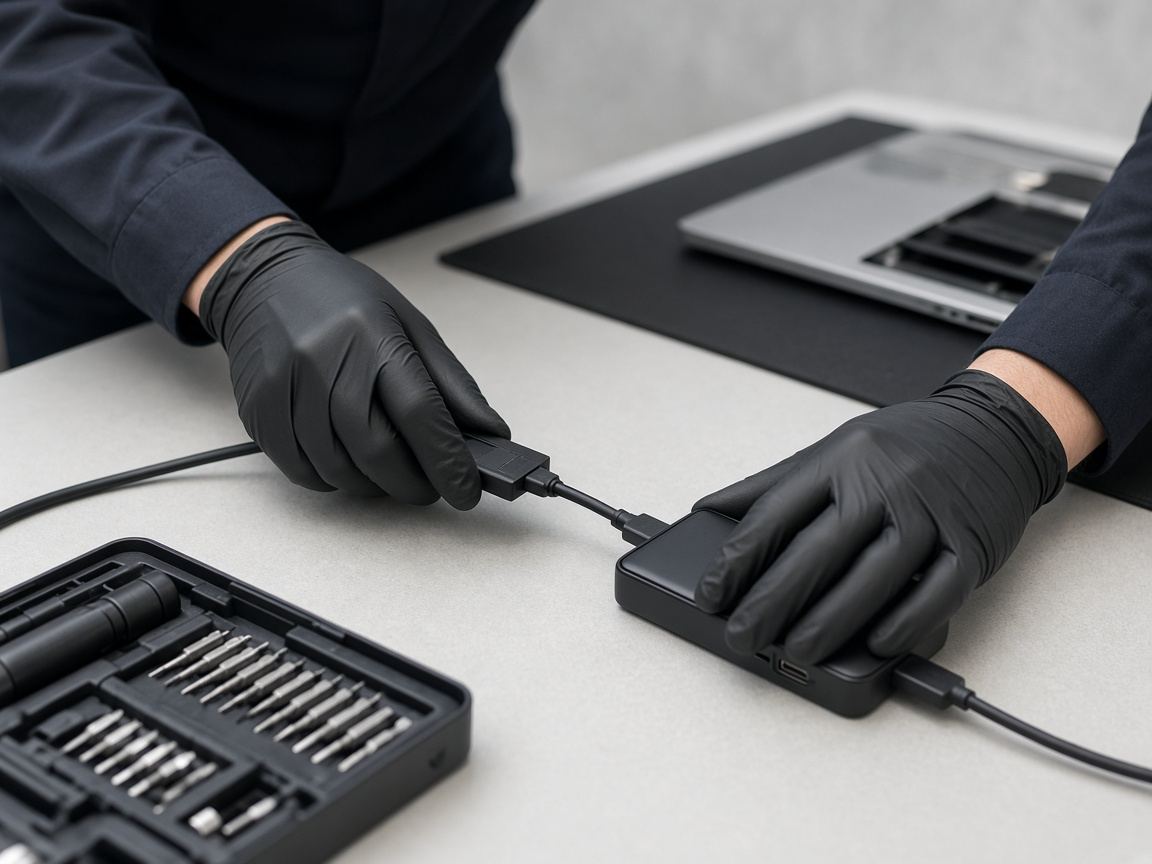
We are fine with customers using AI to translate stop codes, list likely causes, or find the right enclosure for a removable drive. iFixit’s FixBot and ASUS Repair Assistant are repair-guidance tools, not undelete magic.
AI cannot reverse TRIM after an SSD has erased the pages. Industry notes from Datarecovery.com and Disk Drill’s SSD guide make the same point: once flash pages are wiped, no model invents the bits back. It also cannot decrypt BitLocker or FileVault without the key, and it cannot safely “repair” a clicking hard disk by running chkdsk until it feels better.
Options at a glance
| Situation | Likely path | DIY odds | What to do |
|---|---|---|---|
| Laptop dead, drive still detected | Repair board / power first | Fair if drive mounts read-only | Stop writing; get a clone |
| Files deleted on working SSD | Software on a clone only | Often poor after TRIM | Power down; do not reinstall OS |
| SSD / HDD not detected | Workshop or lab | Low | Do not keep powering on |
| Clicking mechanical HDD | Lab imaging | Do not DIY | Power off immediately |
| Encrypted volume, no key | Usually impossible | None | Find the recovery key first |
The DIY mistakes we still see are running recovery software on the failing boot drive, reinstalling Windows before copying data, and uploading client files to a random “AI recovery” website. If the drive is not detected, makes grinding noises, or took liquid, stop and bring it in.
FAQ
Can AI recover deleted files from my laptop SSD?
Only if the data is still on the flash. After TRIM, deleted SSD files are often permanently gone.
Should I keep using the laptop until I find a shop?
No. Power it down. Continued use writes new data.
Is data recovery the same as undelete software?
No. Undelete works when the filesystem still points at intact data. Recovery also covers failed controllers and drives that never mount.
Next step
If the files matter more than the chassis, treat the laptop as evidence. Contact us, open the data recovery page, or book related repair SKUs. WhatsApp +65 9779 2009 with the model and what happened. Tanjong Pagar walk-ins are Monday to Saturday, 11am to 7pm.