If your iPhone gets soaked in a Singapore downpour, the next move should not be plugging it in to see whether it survived. We would rather inspect a switched-off phone than one that has spent the afternoon charging through a wet connector.
For iPhone water damage in Singapore, we separate two situations: moisture detected at the charging port, and a phone that has been submerged or is now malfunctioning. A port alert does not prove the whole phone is flooded. Equally, no alert does not prove the inside is dry.
First, disconnect it and stop testing
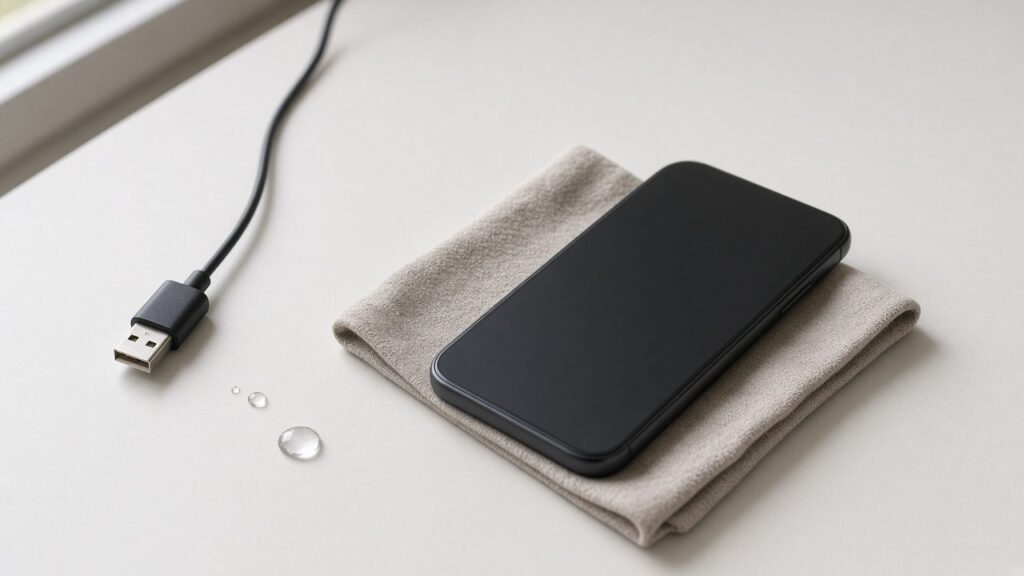
Unplug the cable and remove external accessories. If the phone was submerged or now behaves strangely, switch it off if you can do so normally. Gently wipe the outside with a soft, lint-free cloth. Remove a wet case without forcing anything, and leave the phone in a dry place with airflow. Do not open the SIM tray while the phone is wet.
If the device becomes unusually hot, swells, smokes or smells burnt, stop handling and charging it. Keep people away and seek emergency help if there is smoke or fire. A damaged battery is not a drying experiment.
A liquid-detection alert is not an invitation to override it
Apple’s liquid-alert guidance says to disconnect the cable, hold the connector down and gently tap the phone against your hand to remove excess liquid. It specifically warns against rice, external heat, compressed air and putting objects into the connector. That rules out the hairdryer and the cotton bud, however tempting they look.
Apple says a connector alert can be checked again after at least 30 minutes, with drying sometimes taking up to 24 hours. Its broader advice after liquid exposure says to allow at least five hours before wired charging and to wait until the phone is completely dry. Those are different contexts, not guarantees that an internally soaked phone becomes safe on a timer. For a submerged or malfunctioning phone, we recommend assessment rather than repeated charging attempts.
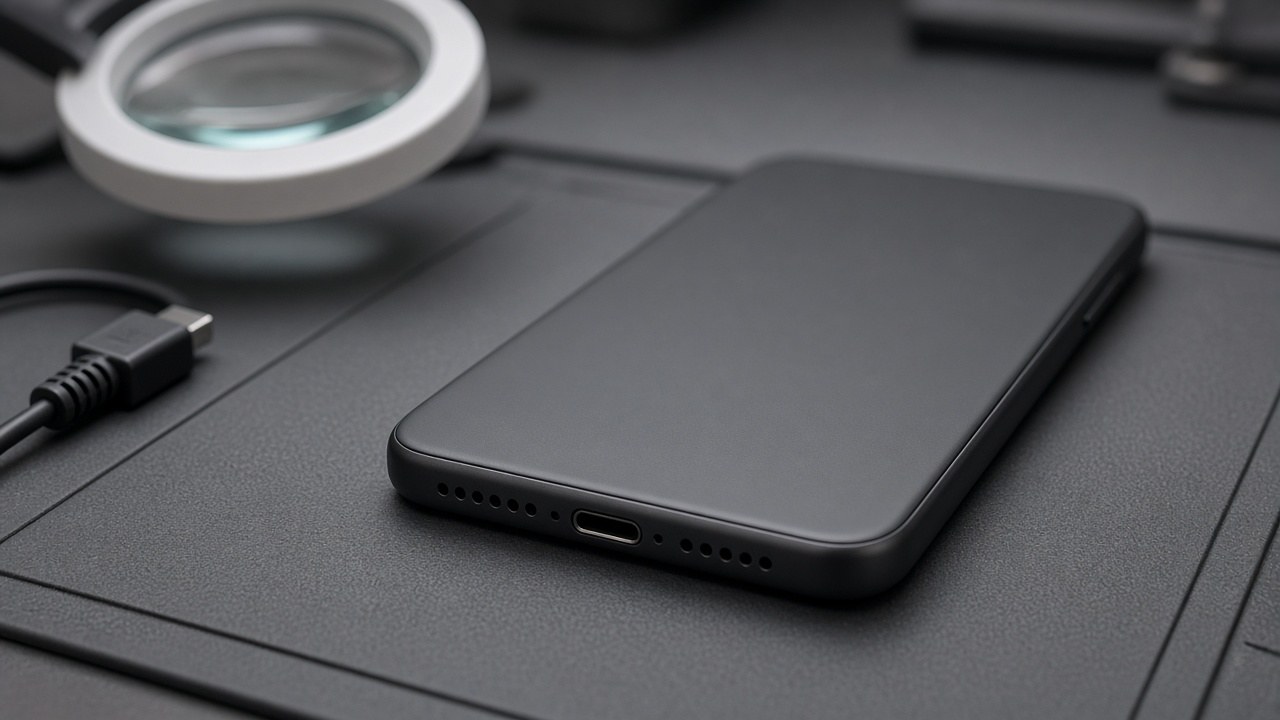
Rain, kopi and seawater are not the same repair
Tell the technician what the liquid was, when it happened and whether the phone has been powered or charged since. A quick splash on an otherwise normal phone is a different history from a swim at East Coast Park or a sweet drink through a cracked screen. Do not add more liquid or cleaning chemicals to a damaged phone while trying to fix it.
Water resistance is not a lifetime promise. Apple says resistance can decrease with normal wear and that liquid damage is not covered by its limited warranty, although consumer-law rights may apply. We would check any AppleCare or insurance coverage before agreeing to a paid repair elsewhere.
| What happened | Our next-step advice |
|---|---|
| Only a port alert; otherwise normal | Disconnect, allow airflow and follow Apple’s drying guidance. |
| Submerged, restarting or screen misbehaving | Keep it off and arrange an assessment. |
| Only one cable causes the alert after drying | Stop using that cable; the accessory may be damaged. |
| Heat, swelling, smoke or burning smell | Stop charging; treat it as a safety issue, not normal moisture. |
Put the files ahead of a reset
If photos or work files are not backed up, say that before anyone proposes a reset, replacement or board swap. A phone that powers on briefly is not proof that it is safe to keep using. We cannot promise that every liquid-damaged phone or its data can be recovered.
Our iPhone repair service is the starting point for an assessment. If the priority is the files rather than a working handset, explain that through our data recovery enquiry first. If getting to a branch is difficult, read our Singapore doorstep repair guide and confirm the collection arrangements before booking.
FAQ
Should I put a wet iPhone in rice?
No. Apple advises against rice because particles can damage the phone. Use airflow, not heat or objects in the port.
Does an IP rating mean liquid damage is covered?
No. Water resistance and warranty coverage are different. Check your exact warranty, AppleCare or insurance terms.
Can you quote water-damage repair from a photo?
A photo and the model help with initial advice, but they cannot show every internal fault. We need an assessment before a reliable repair quote.
Talk to us before charging again
Send the model, the liquid involved and the symptoms through our free online diagnosis. Do not power the phone just to take a screenshot for us.
Our contact page lists International Plaza, 10 Anson Road #02-71, and Woods Square Office (Tower 1), 12 Woodlands Square #10-62. Tanjong Pagar opens Monday to Saturday, 11am–7pm, closed Sundays and public holidays. Confirm your preferred branch and slot before travelling.