A full storage bar is not a good reason to throw away an otherwise useful laptop. Neither is it a good reason to buy the fastest SSD on a shopping site and hope it fits. We would check the machine, the existing drive and the job you need it to do first.
A laptop SSD upgrade in Singapore can make sense when storage capacity or an old hard disk is the real limitation. It will not fix every slow computer, a failing motherboard or a processor that no longer meets your software’s needs.
First establish what the laptop can actually take
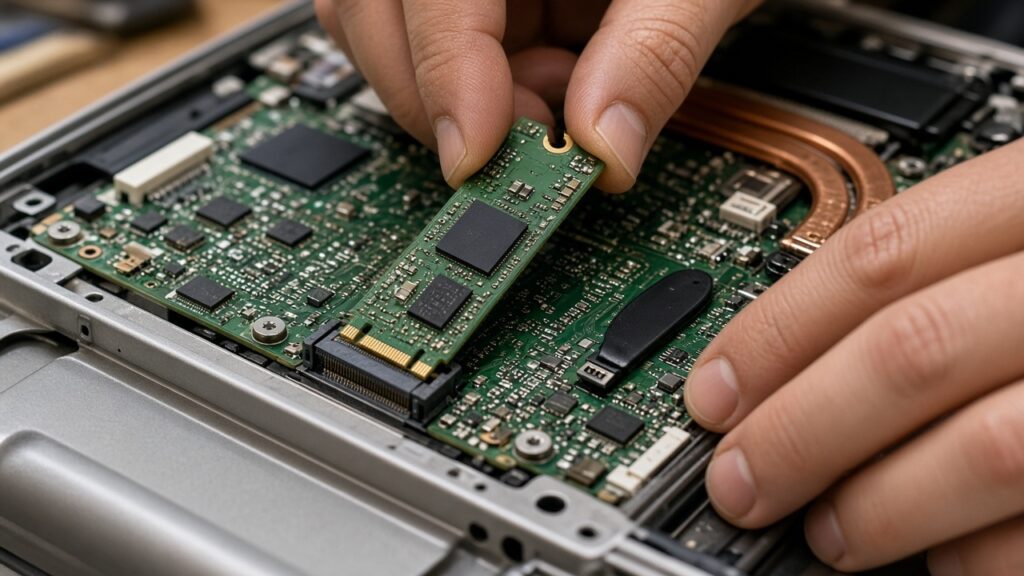
Get the exact model number, not just “a Dell” or “an ASUS”. Check its service manual or manufacturer specifications for removable storage, the supported interface, physical length and any installation restrictions. Some machines have no straightforward internal storage upgrade, and a spare-looking connector is not proof of a usable SSD slot.
Crucial’s compatibility guide explains an important trap: M.2 describes a form factor, and M.2 drives can use SATA or PCIe interfaces. Similar-looking sockets are not enough to establish compatibility. The drive must match what that laptop supports, including the available space and mounting arrangement.
Decide whether the problem is storage, memory or something else
More storage gives you room for files and applications. More RAM helps a different limitation: keeping active work in memory. Moving from a working mechanical hard disk to a compatible SSD can improve storage-bound tasks, but replacing an already adequate SSD is not a universal cure for sluggishness.
If the laptop is slow, freezing or losing files, diagnose that first. A failing drive calls for a different plan from a healthy drive that is simply full. Our laptop repair assessment is the place to start if the symptom is unclear. For the memory side of the decision, see our laptop RAM upgrade guide.
Cloning and a clean installation are not the same service
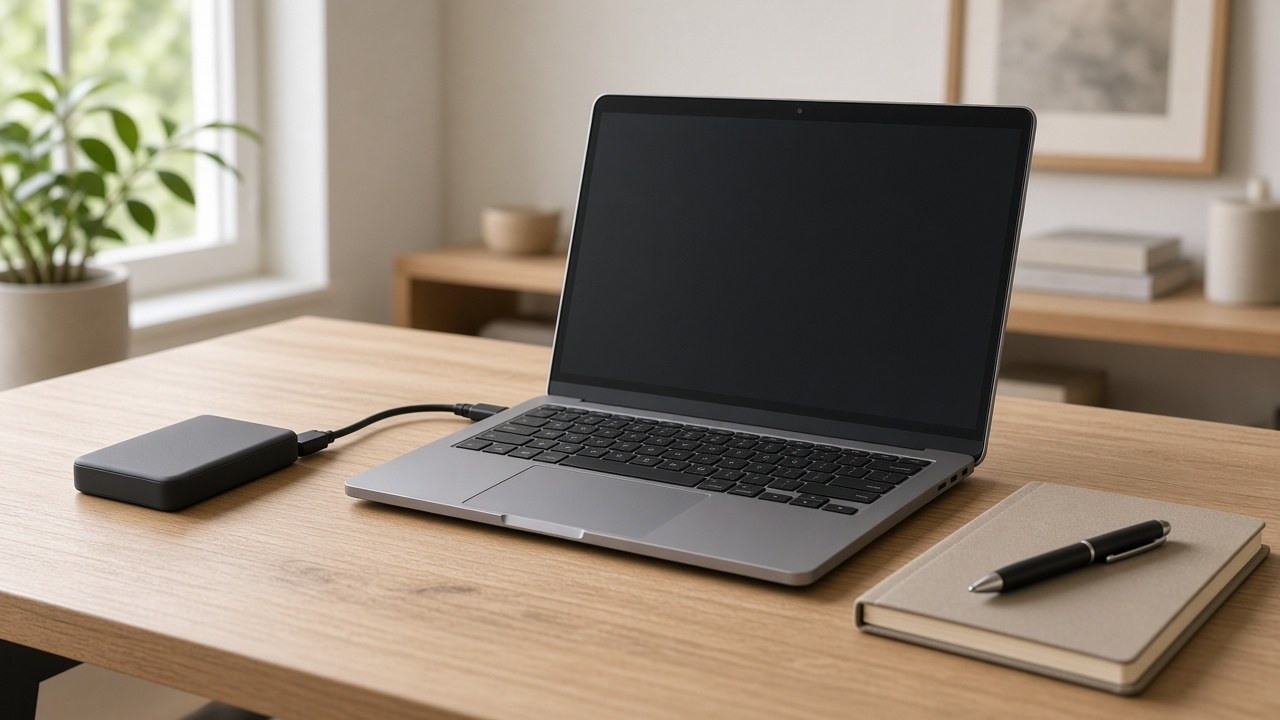
Cloning aims to move the existing system and its partitions to another drive. A fresh installation starts with a new Windows setup and requires a plan for applications, settings and files. Ask which approach the quote includes rather than assuming “SSD fitted” means everything will be copied.
Crucial describes cloning and backup-image restoration as ways of moving between M.2 PCIe drives, including systems with only one internal slot. The enclosure or adapter must also suit the interface. Software licensing, encryption and drive health can affect the practical migration plan, so we would not promise a successful clone before checking the source.
| Your situation | What we would establish first |
|---|---|
| Healthy drive, not enough room | Compatible capacity and whether to migrate or add storage |
| Mechanical hard disk feels slow | Drive health, upgrade compatibility and the rest of the laptop’s condition |
| Files disappearing or drive errors | Data-preservation plan before routine cloning |
| Enough storage but poor multitasking | Memory usage and other bottlenecks, not a bigger SSD by default |
| Storage cannot be replaced normally | External storage or a replacement-machine comparison |
Back up before anyone swaps a drive
Keep a separate, checked copy of important files before the job. Make sure you can retrieve any encryption recovery key without relying on the laptop being repaired. Do not erase or sell the old drive until the new installation boots properly and you have checked the files you care about.
If the original drive is failing, repeated migration attempts can be the wrong priority. Tell us that the data matters and start with data recovery advice. Our device-repair privacy guide also explains how to agree on access and reset permissions before handover.
Ask what the upgrade quote includes
Compare the SSD specification, installation, migration or reinstall, testing and written warranty terms. We are not quoting an unverified range: a bare drive and a complete migration job are different purchases.
Prices vary by model, parts and the work needed. Contact or visit RepairX for the current price before booking.
FAQ
Can every laptop have an SSD upgrade?
No. The exact model, storage interface and whether the drive is replaceable determine the options.
Will cloning preserve all my files and applications?
That is the aim of a full system clone, but success depends on the source drive, software and migration method. Verify a separate backup and agree on what will be transferred.
Will a larger SSD fix every slow laptop?
No. Memory, heat, software and other hardware faults can cause slowdowns. Diagnose the bottleneck before buying parts.
Send the model before buying the drive
Use our free online diagnosis with the model, current storage capacity and what you want to improve. We would rather check compatibility than watch you pay twice for a drive that does not fit.
Our Tanjong Pagar branch is at International Plaza, 10 Anson Road #02-71, and opens Monday to Saturday, 11am–7pm, closed Sundays and public holidays. We also have a Woodlands branch at Woods Square Office (Tower 1), 12 Woodlands Square #10-62. Confirm your preferred branch and appointment before travelling.