When choosing a laptop, many buyers focus on processor, memory, and storage. Screen type is often overlooked, even though it directly affects daily experience, durability, and repair cost. In Singapore, screen damage is one of the most common laptop repair cases, and the screen technology you choose can determine whether a repair is affordable or not.
This guide compares LCD, IPS, and OLED laptop screens clearly and practically. It explains visual differences, durability risks, and ownership cost implications so you can choose the right screen for your needs, not just the best looking one.
Quick Comparison Overview
| Screen Type | Image Quality | Viewing Angles | Durability | Repair Cost Impact |
|---|---|---|---|---|
| LCD | Basic | Narrow | Moderate | Low |
| IPS LCD | Good | Wide | Moderate | Low to medium |
| OLED | Excellent | Very wide | Lower tolerance to impact | High |
This table gives a high level view. The sections below explain what these differences mean in real use.
LCD Laptop Screens Explained
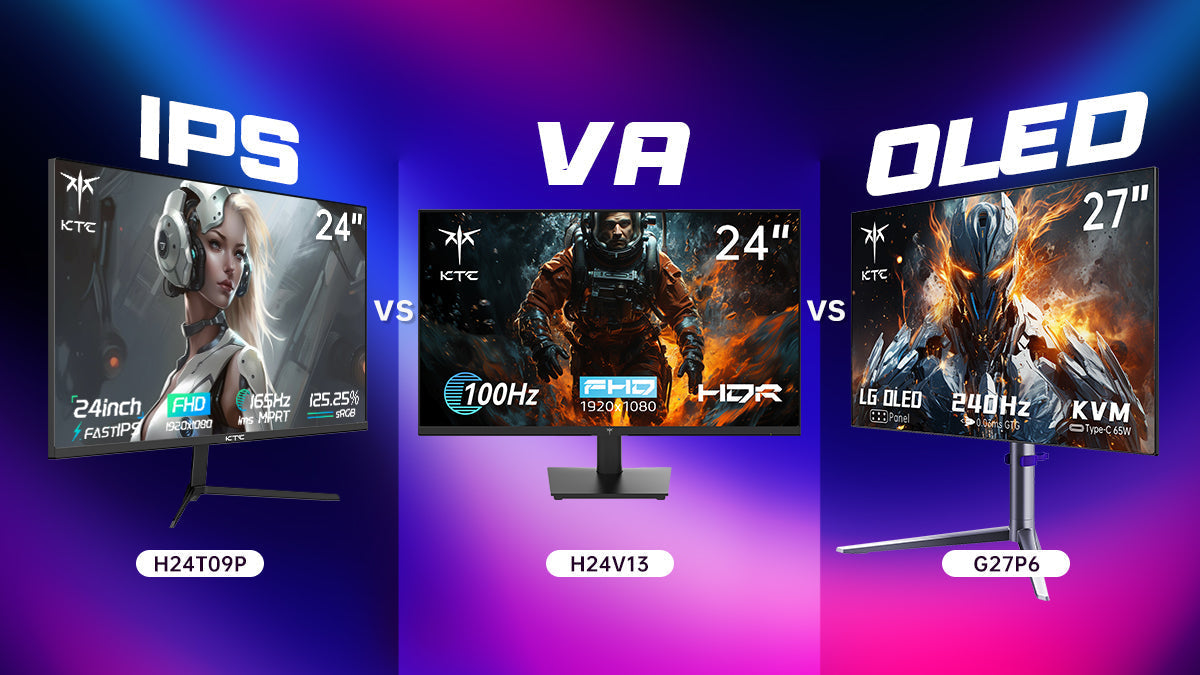
What LCD Means Today
LCD stands for liquid crystal display. In modern laptops, LCD screens use LED backlighting. Older LCD variants include TN and VA panels, which are still found in budget laptops.
Strengths
- Lower cost
- Widely available replacement panels
- Suitable for basic tasks such as browsing and office work
Limitations
- Weaker colour accuracy
- Narrower viewing angles
- Lower contrast compared to IPS and OLED
Who LCD Is Best For
LCD screens are suitable for students, light users, and buyers prioritising affordability and lower repair risk.
IPS Laptop Screens Explained
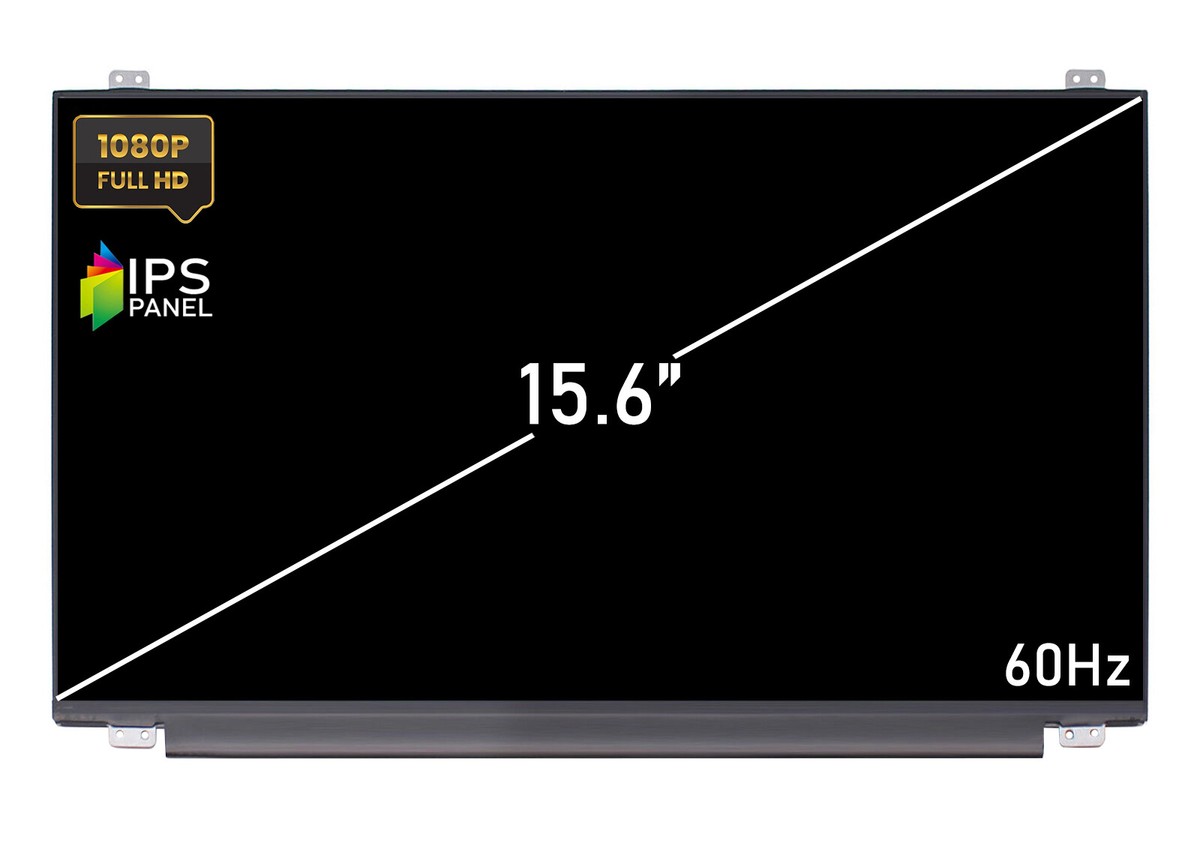
Why IPS Replaced Older LCD Panels
IPS is a type of LCD technology that improves colour accuracy and viewing angles by changing how liquid crystals are aligned. Most mid range laptops today use IPS panels.
Strengths
- Better colour consistency
- Wider viewing angles
- Balanced performance for work and entertainment
Limitations
- Still relies on a backlight
- Contrast is better than standard LCD but lower than OLED
Durability and Repair Reality
IPS panels are similar in durability to standard LCD panels. Many IPS screens can be replaced as a panel only, which keeps repair costs manageable in Singapore.
Who IPS Is Best For
IPS screens are ideal for office users, students, and most professionals who want good visuals without high ownership risk.
OLED Laptop Screens Explained
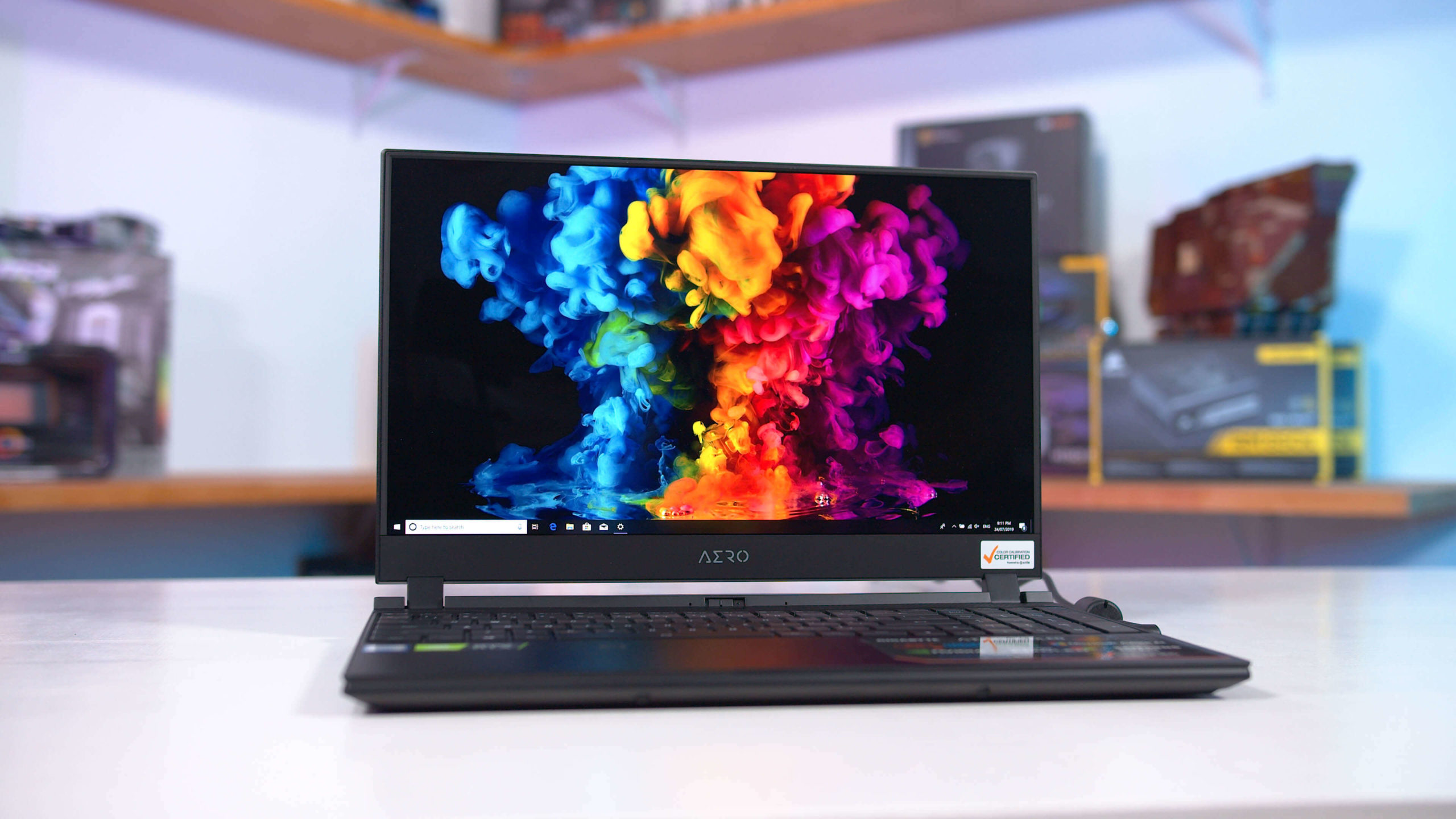
Why OLED Looks Better
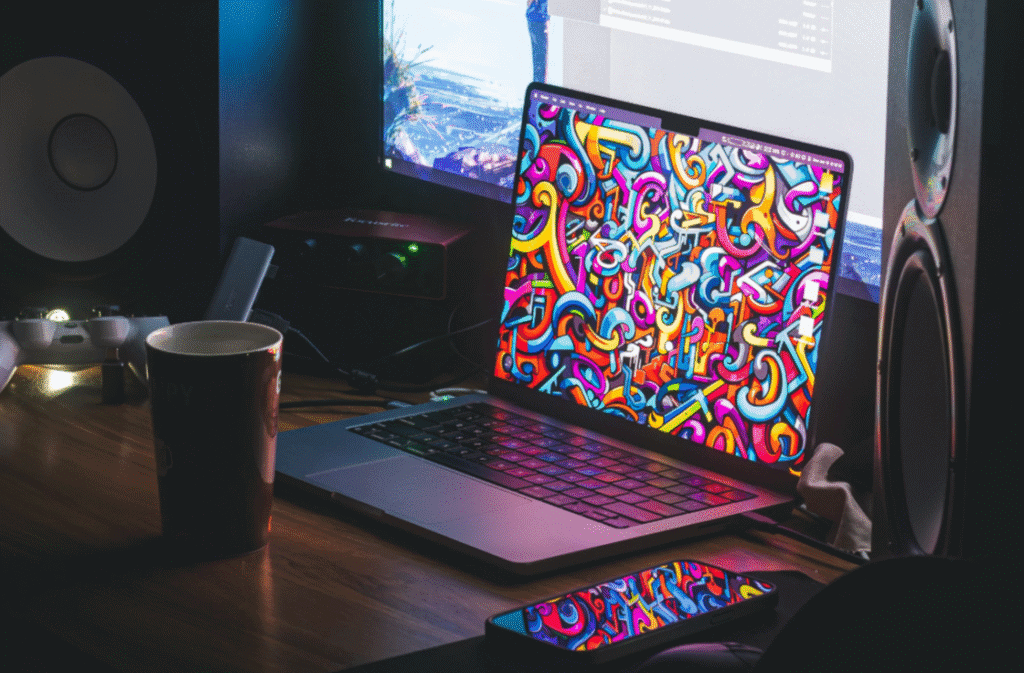
OLED screens use self emissive pixels, meaning each pixel produces its own light. This allows true black levels and very high contrast.
Strengths
- Deep blacks and vivid colours
- Excellent contrast
- Thin and lightweight designs
Trade Offs Users Often Overlook
- Panels are more expensive
- Screens are usually laminated
- Higher repair cost after damage
Durability Considerations
OLED panels use very thin glass layers. While suitable for normal use, they are more sensitive to pressure and impact compared to IPS LCD panels.
Who OLED Is Best For
OLED screens suit designers, content creators, and users who prioritise visual quality and are prepared for higher repair costs.
Visual Quality Comparison in Daily Use
| Aspect | LCD | IPS | OLED |
|---|---|---|---|
| Brightness | Moderate | Good | Very good |
| Contrast | Low | Medium | Very high |
| Colour accuracy | Basic | Good | Excellent |
| Outdoor visibility | Fair | Good | Good |
Most users will notice the biggest jump moving from LCD to IPS. The difference between IPS and OLED is more visible in dark scenes and colour critical work.
Durability and Daily Use Risks
Screen damage usually comes from:
- Drops during transport
- Pressure on the laptop lid
- Objects left on the keyboard when closing
OLED screens tend to suffer more severe damage when impacted, often requiring full display replacement. LCD and IPS screens are more forgiving and easier to repair.
Repair Cost and Ownership Impact in Singapore
Screen type is one of the biggest factors affecting repair cost.
| Screen Type | Typical Repair Method | Relative Cost Tier |
|---|---|---|
| LCD | Panel replacement | Low |
| IPS LCD | Panel replacement | Low to medium |
| OLED | Full display assembly | High |
This difference matters when deciding whether a repair is worth it. Many OLED repairs cost significantly more than IPS LCD repairs for similar screen sizes.
Which Screen Type Should You Choose
Students and Budget Users
LCD or IPS
Lower purchase price and lower repair cost make these practical choices.
Office and Business Users
IPS
Good balance of comfort, colour accuracy, and long term ownership cost.
Designers and Creators
OLED or high quality IPS
OLED offers superior visuals, but IPS remains more cost effective and durable.
Frequent Travellers
IPS
Better durability and lower repair risk compared to OLED.
Common Buying Mistakes
- Choosing OLED without considering repair cost
- Assuming all screens cost the same to replace
- Prioritising resolution over durability
- Overpaying for features that are rarely used
Understanding screen technology helps avoid these mistakes.
Frequently Asked Questions
Is IPS better than LCD
Yes. IPS is an improved form of LCD with better colour and viewing angles.
Is OLED always better than IPS
Visually, yes. Practically, not always. OLED has higher repair cost and durability risks.
Which laptop screen is cheapest to repair
Standard LCD and non laminated IPS screens are the most affordable to repair.
Should I avoid OLED laptops completely
Not necessarily. OLED is suitable if visual quality is a priority and higher repair cost is acceptable.
Conclusion: Choose Based on Use and Ownership, Not Just Looks
LCD, IPS, and OLED laptop screens serve different needs. IPS offers the best balance for most users, combining good visuals with manageable repair costs. OLED delivers premium image quality but comes with higher ownership risk. Standard LCD remains practical for budget focused users.
At RepairX.sg, many screen repair cases involve users who did not realise how screen technology affects repair cost. Understanding these differences before buying helps you make smarter decisions and avoid expensive surprises later.