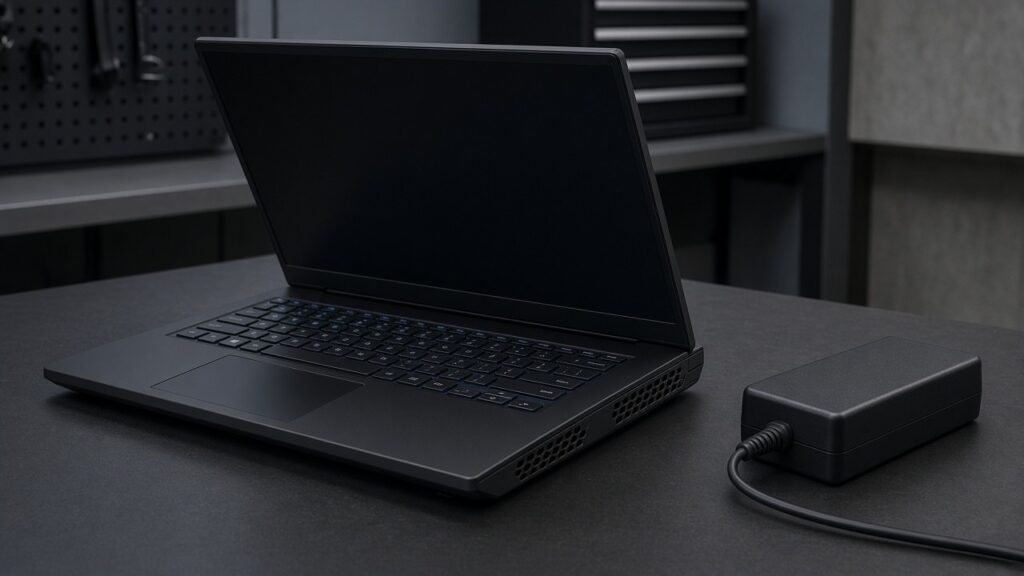
A laptop that handles email all morning and turns off halfway through a game has not proved it needs a new graphics chip. We would check what “turns off” actually means before anyone quotes a board repair. A crash to desktop, a restart and a complete loss of power are different symptoms.
This is our starting point for gaming laptop repair in Singapore when the machine fails under load. Heat is one possibility. Charger limits, battery or power faults, drivers and game-specific problems can also be involved. Repeatedly forcing it to fail is not a diagnosis.
Record the failure without running another stress test
Note the game, whether the adapter was connected and what happened on screen. Did only the game close? Was there a Windows error? Did the fans and lights cut out? If the fault has already happened more than once, bring that history rather than trying to reproduce it through another evening of gaming.
Stop using and charging the laptop if the case is swollen, there is a burning smell, liquid damage or dangerous heat. Do not open a swollen battery machine yourself. Our swollen battery guide covers why this is a safety problem, not a performance tweak.
Check airflow, but do not assume every shutdown is heat
Use a hard, flat surface with the vents unobstructed. A bed or sofa can block the airflow the cooling system needs. Dell’s overheating guidance identifies obstructed vents, dust and failing cooling hardware as possible causes, while also noting that shutdowns without a thermal problem can be power-related.
A hot-running game can cause performance reduction as the system manages temperature. That is not the same as a complete loss of power. Fan noise alone does not show which component needs replacing, and a quiet fan is not automatically healthy. Grinding noises or a fan that appears not to work warrant inspection.
Bring the power adapter that you use for games
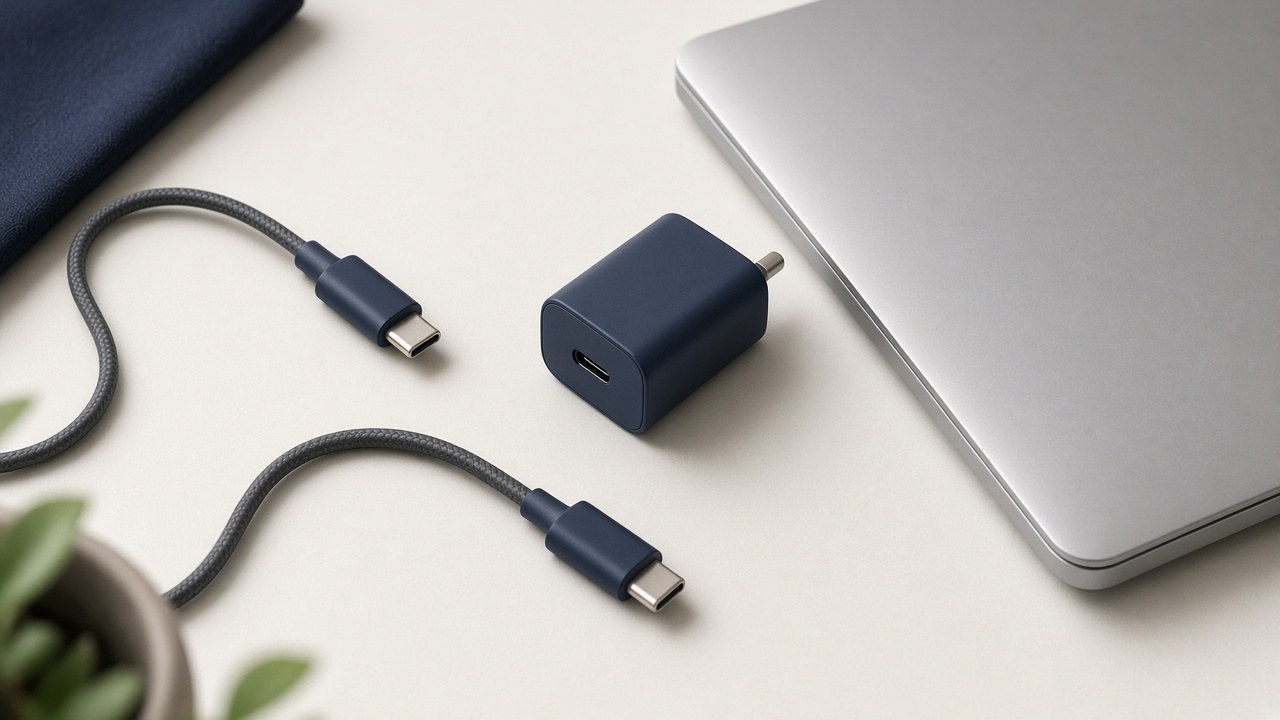
A machine can cope with light work on a power supply that is inadequate for gaming. Check the manufacturer’s required adapter, connector and output for your exact model. Do not assume a convenient USB-C phone charger, dock or replacement brick is suitable because the laptop shows a charging icon.
Dell documents incorrect-adapter shutdown behaviour on certain Alienware laptops. That is a model-specific example, not a diagnosis for every gaming machine. Its useful lesson is to check the complete power setup before blaming the GPU. Our USB-C charging guide explains the cable-and-adapter side for laptops that support that charging method.
| Failure pattern | What deserves investigation |
|---|---|
| Only one game closes; Windows stays on | Game files, drivers, software conflicts and settings |
| Shutdown with blocked vents or abnormal fan behaviour | Cooling system and temperature behaviour |
| Battery drops while connected to power | Correct adapter, connection and available power |
| Instant power loss across different demanding tasks | Power path, battery and hardware assessment |
| Swelling, smoke or burning smell | Stop testing and arrange safe handling |
Change one thing at a time, not every setting at once
For a stable, otherwise safe machine, use the laptop manufacturer’s recommended software and drivers. Write down recent changes, including a new adapter or performance profile. Do not start a BIOS update while the computer is losing power, disable protective settings or install random “driver repair” tools.
A clean and thermal-paste service may help when inspection identifies a cooling problem, but it is not a guaranteed answer to every game crash. Read our laptop cleaning and thermal-paste guide for that specific service rather than treating it as a substitute for fault-finding.
Pay for a diagnosis-led repair, not a guessed part
Ask the workshop to explain what failed, what the proposed work covers and how the original symptom will be checked afterwards. Whether the job involves cooling, a fan, a charging component or board work changes the quote. We are not giving a made-up one-price-fits-all figure.
Prices vary by model, parts and the work needed. Contact or visit RepairX for the current price before booking.
FAQ
Does shutting down during a game mean the GPU is dead?
No. Cooling, power delivery, battery, software and other faults can produce failures under load. The failure pattern needs diagnosis.
Should I keep stress-testing until I get an error code?
No. Record what has already happened and stop repeated forced shutdowns. Stop immediately if there are safety warning signs.
What should I bring to a gaming-laptop repair assessment?
Bring the exact laptop model, the adapter and cable used when it fails, and a description of the game and failure. Back up first if the machine is safe and stable enough.
Tell us how it fails
Start with laptop repair or our free online diagnosis. Give the model before assuming parts are available for your gaming series. We would rather test the right fault than sell an expensive component on a hunch.
Our Tanjong Pagar branch is at International Plaza, 10 Anson Road #02-71, and opens Monday to Saturday, 11am–7pm, closed Sundays and public holidays. We also have a Woodlands branch at Woods Square Office (Tower 1), 12 Woodlands Square #10-62. Confirm your preferred branch and appointment before travelling.